2026-09-24 · 8 min read · Bay Area
Internet and Cell Service Checklist for Bay Area Home Buyers
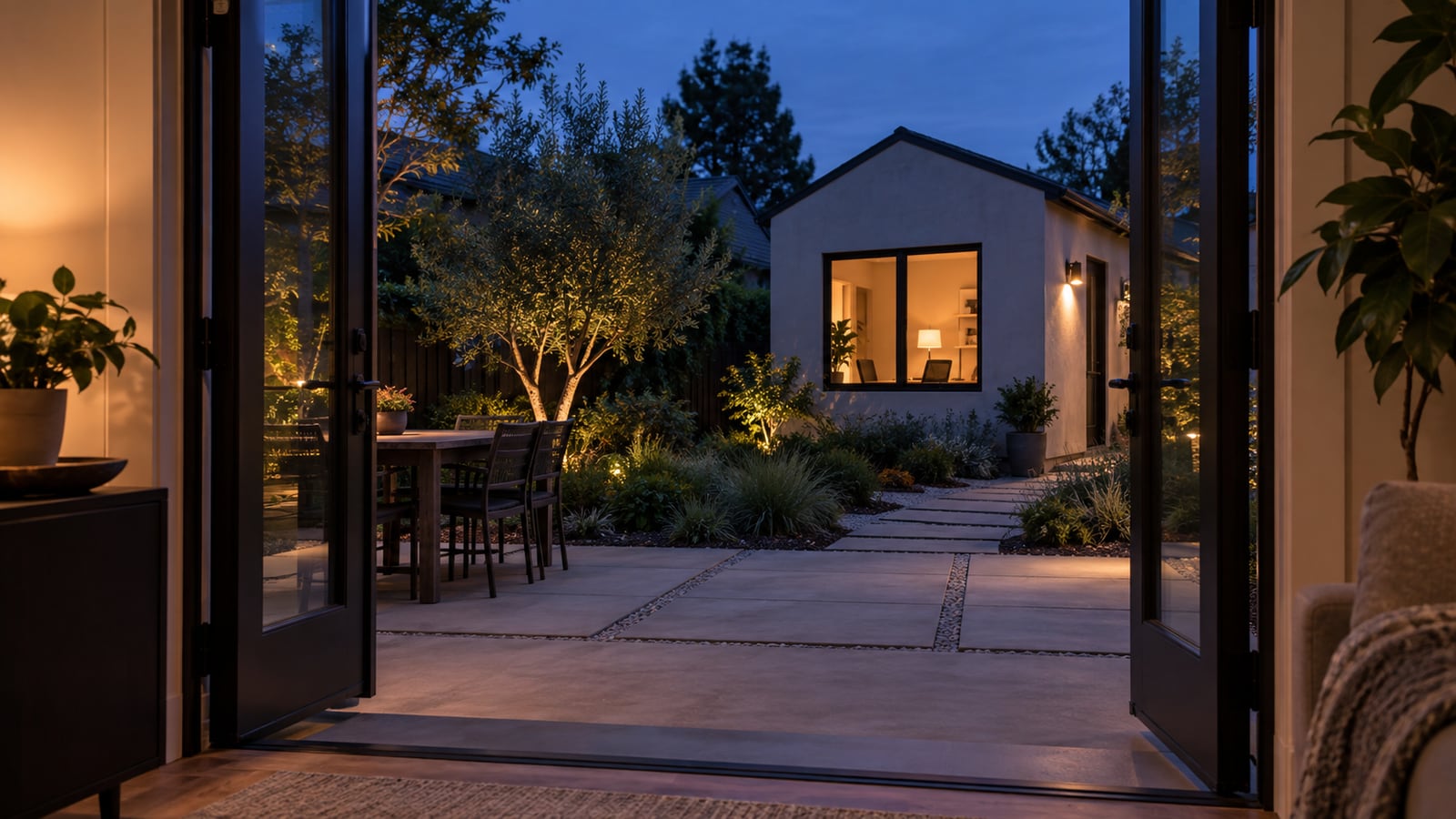
Connectivity is part of how the home works
A home can photograph well, feel quiet, and have a useful office. None of that confirms how internet and cellular service will work at the exact address or inside the rooms you plan to use.
This internet and cell service checklist helps Bay Area home buyers separate three different questions. First, what service can reach the address? Second, how does cellular reception behave inside and outside the building? Third, what wiring and equipment would you need for the way you work, stream, call, or connect devices?
At Crypton Realty, I want buyers to check those layers before a polished home office becomes proof of something it cannot prove. A monitor on a desk tells you how the room was staged. It does not tell you how the connection performs.
Verify the exact address, not the neighborhood
Service can differ from one address to another. Do not treat a provider's general coverage map, a nearby listing, or a neighbor's setup as confirmation for the home you are considering.
Use the exact address when you ask a provider what wired service is available. Ask what connection reaches the property, whether the address is already connected, what equipment is needed, and whether an installation visit or property work would be required. Keep a copy of the answer or write down who confirmed it and when.
If an online checker gives a vague result, treat availability as unconfirmed until the provider can verify the address. Available in the area and ready at this home are different answers. That distinction belongs in your notes.
Find the visible service entry and network path
Look for the place where communications service appears to enter the property. You may see exterior conduit, a utility box, a low-voltage panel, coaxial outlets, Ethernet jacks, or another connection point. Observe only what is visible and accessible. Do not open equipment, remove covers, unplug cables, or rely on an old label.
Then follow the likely path in your mind. Where could a modem or router sit? Is that location near the rooms that matter to you, or is it inside a garage, closet, utility area, or one end of the home? Would existing cable routes help, or would you need a network installer to evaluate new wiring?
A port in the wall is not proof that the cable behind it is connected or usable. It is a question to test later, with permission and the right person.
Check cellular reception room by room
Your phone may show strong reception outside and weak reception after you move deeper into the home. Building materials, windows, lower levels, interior walls, and the position of each room can affect what you observe. One quick glance at the phone near the front door is not enough.
With showing permission, check the rooms where you would depend on cellular service. Include the primary bedroom, work area, lower level, garage, and any room behind several walls. Notice whether calls connect, audio remains stable, and mobile data works for an ordinary task. Do not join a private network or ask for account credentials.
Your result applies to your device, carrier, location in the room, and that moment. If another household member uses a different carrier, check that service separately. Do not turn one phone's result into a promise about every device.
Do not skip detached and outdoor spaces
A detached office, converted garage, workshop, patio, or far bedroom can create a separate connectivity problem. The main house may have a strong connection while the space you plan to use every day sits beyond the useful range of the current setup.
Stand in the actual space. Check cellular reception there. Look for visible wiring, power, conduit, or an existing network connection without touching or testing anything you are not authorized to use. Note the distance, walls, exterior surfaces, and open space between that area and the likely router location.
Do not assume a wireless extender will solve every gap. A qualified network installer can explain whether the property needs different equipment, a wired connection, or work between structures. Get that property-specific answer before you attach a confident budget to the plan.
Treat a speed test as one data point
If the home has active internet service and the seller authorizes a test, use the result carefully. A speed test reflects the active plan, current equipment, device, connection type, network traffic, test location, and conditions at that moment.
Run an ordinary test only on a network you have permission to use. Record where you stood and whether the device was using Wi-Fi or a wired connection. A strong result beside the router does not answer what happens in a distant room. A weak result does not prove the address lacks better service or a better equipment setup.
The useful outcome is not a single impressive number. It is a clearer list of what is confirmed, what performed differently by room, and what still needs provider or installer input.
Match the check to your real work and daily use
Start with what the connection needs to support. Video meetings, large file transfers, cloud backups, security devices, streaming, gaming, and several people online at once place different demands on a home network. You do not need to turn the showing into a technical lab. You do need to identify the rooms and tasks where a weak connection would matter.
If you work from home, test from the desk location you would actually choose. If that room has a closed door, close it during the check if the showing rules allow. If calls need to continue while you move through the house, walk the route you would use.
Connect this review with the noise check for Bay Area buyers and the natural light checklist. A room works as an office only when the full setup works for you.
Ask more questions in a condo or planned community
A condominium or planned community may add shared wiring, telecom rooms, exterior equipment rules, or association approval to the setup. The details depend on the property and its governing documents.
Ask which communication lines serve the unit, where access points are located, and who is responsible for shared and unit-specific components. Review the association documents for any rules that could affect new cabling, exterior equipment, wall penetrations, common-area access, or work inside a shared utility space.
Do not assume the provider can enter a shared area or change exterior equipment without coordination. Do not assume the association handles service inside the unit. Write down the boundary between confirmed responsibility and the part that still needs an answer. My guide to reading a disclosure package can help you organize those document questions.
Price the setup only after the scope is clear
A connectivity gap may be simple, or it may involve new cabling, equipment placement, wall access, exterior conduit, work between structures, or provider installation. A general online estimate cannot tell you which scope applies to this property.
Start with the provider's address confirmation. Add your room-by-room observations and the visible wiring. Then ask an appropriate installer what would be needed to support your priority spaces. If the answer could affect your budget or interest in the home, get it before you rely on the room as part of your plan.
Keep internet setup separate from electrical capacity and building condition. The systems may meet in the same utility area, but each needs the right professional. The broader second showing checklist helps you collect these open questions without diagnosing the property yourself.
Turn connectivity notes into a buying decision
Sort your notes into confirmed address service, observed cellular results, visible wiring, permitted test results, access limits, and questions for a provider, association, seller, or installer. Keep an assumption out of the confirmed column.
A weak spot does not automatically make the home wrong for you. A strong phone signal does not prove the whole setup is ready. The decision depends on where the gaps are, what your daily use requires, and whether the solution is practical for this property.
Use this internet and cell service checklist with my guide to buying a home in the Bay Area, the local page for buying in Alameda County, and my Bay Area buyer process. If you want help turning a property's open questions into a focused follow-up list, send me the details you have. We will separate what the home shows from what still needs proof.